Employee tags comparison
Compare the different types of employee tags used for docking into TimeDock and their compatibility across devices.
Last updated - Feb 04, 2026 at 9:00AM
|
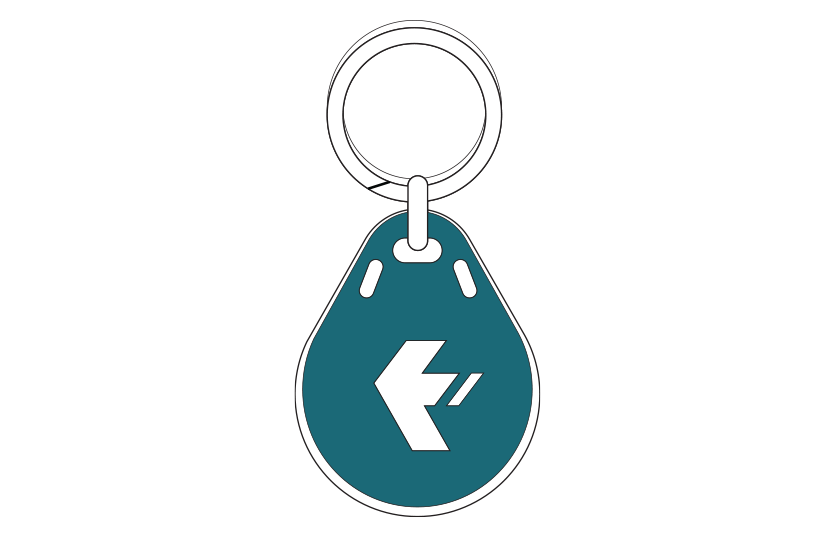
Key Fob PVC fob with key ring for you to assign to employees yourself |
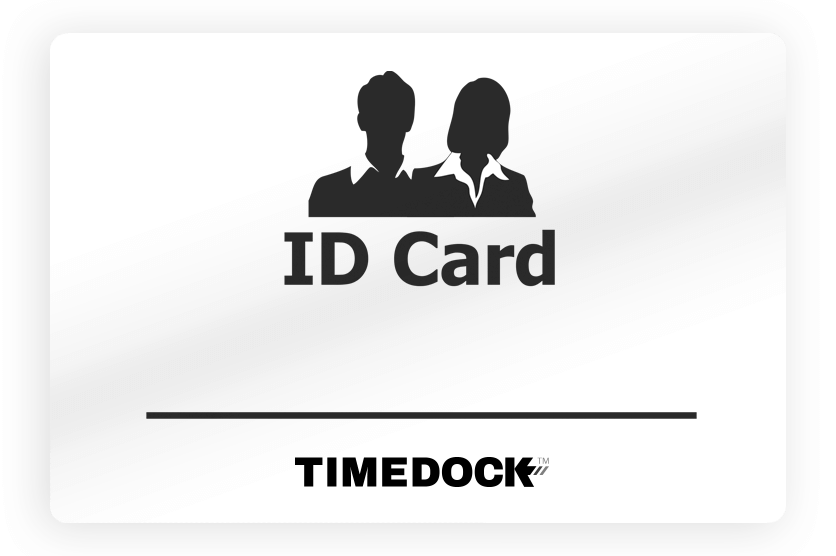
Spare Swipe Card Spare PVC swipe card for you to assign to employees yourself |
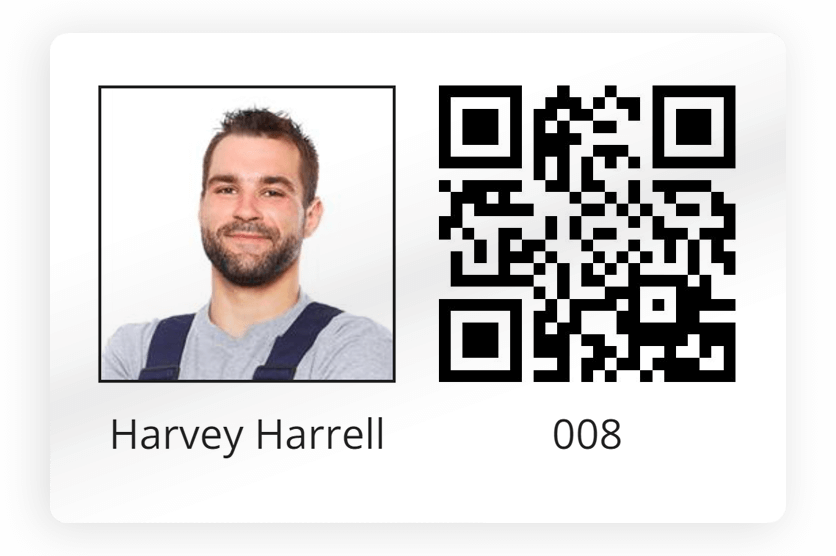
QR Swipe Card Printed and pre-assigned PVC employee swipe card |
Self-Printed QR Swipe Card Print swipe cards directly to your own paper or card printer |
|
|
Tag preview |
|
|
|
|
|
Compatibility |
||||
|---|---|---|---|---|
| ✔ | ✔ | ✔ | ✘ | |
| ✔✱ | ✔✱ | ✔ | ✔ | |
| ✘ | ✘ | ✔ | ✔ | |
| ✘ | ✘ | ✔ | ✔ | |
|
Attributes |
||||
|
Printed name |
✘ | ✘ | ✔ | ✔ |
|
Printed photo |
✘ | ✘ | ✔ | ✔ |
|
Printed QR code |
✘ | ✘ | ✔ | ✔ |
|
NFC microchip |
✔ | ✔ | ✔ | ✘ |
|
Employee Assignment |
||||
|
Pre-assigned |
✘✱✱ | ✘ | ✔ | ✔ |
|
How to assign |
Refer to: Programming tags |
Refer to: Programming tags |
N/A |
N/A |
|
Purchase |
||||
|
How to purchase |
Order from your TimeDock dashboard: find out how |
Order from your TimeDock dashboard: find out how |
Order from your TimeDock dashboard: find out how |
N/A |
Programming employee NFC tags
Key fobs and spare swipe cards are designed to be assigned to employees yourself, which means you can issue new or replacement tags to staff straight away, without the need to order from TimeDock.
Program NFC tags with a TimeDock machine
Tap a new (un-programmed) key fob or spare swipe card to your TimeDock machine, as if you were performing a normal dock IN/OUT. The machine will recognise the tag is unassigned and will prompt you to select an employee. Follow the on-screen instructions to complete the programming. See Programming employee NFC tags with TimeTablet for more info.
Program NFC tags with a mobile device
You can use an NFC-enabled Android device, logged into the TimeDock mobile app as an Admin User to assign key fobs and spare swipe cards to employees. Open the TimeDock mobile app on an Android device, switch to NFC mode, and hold a new (un-programmed) key fob or spare swipe card to the back of the mobile device (or near where the NFC reader is located). Follow the on-screen instructions to complete the programming. See Programming employee NFC tags with TimeDock mobile app for more info.