Bulk close jobs
Last updated - Sep 15, 2025 at 3:30PM
See below methods for closing multiple jobs at a time on the Jobsheet screen.
Close selected jobs:
Navigate to the Jobsheet page.
Click-to-select each open job in the Jobsheet table that you'd like to close.
Click Close Selected in the toolbar.
Click Confirm to close each of the selected jobs.
Close inactive jobs:
Navigate to the Jobsheet page.
Click Close Inactive in the toolbar.
Select a time period to view a list of jobs that have not had a clock entry within that range.

Review the list of inactive jobs. Click the checkbox to un-select any jobs that you don't want to close.
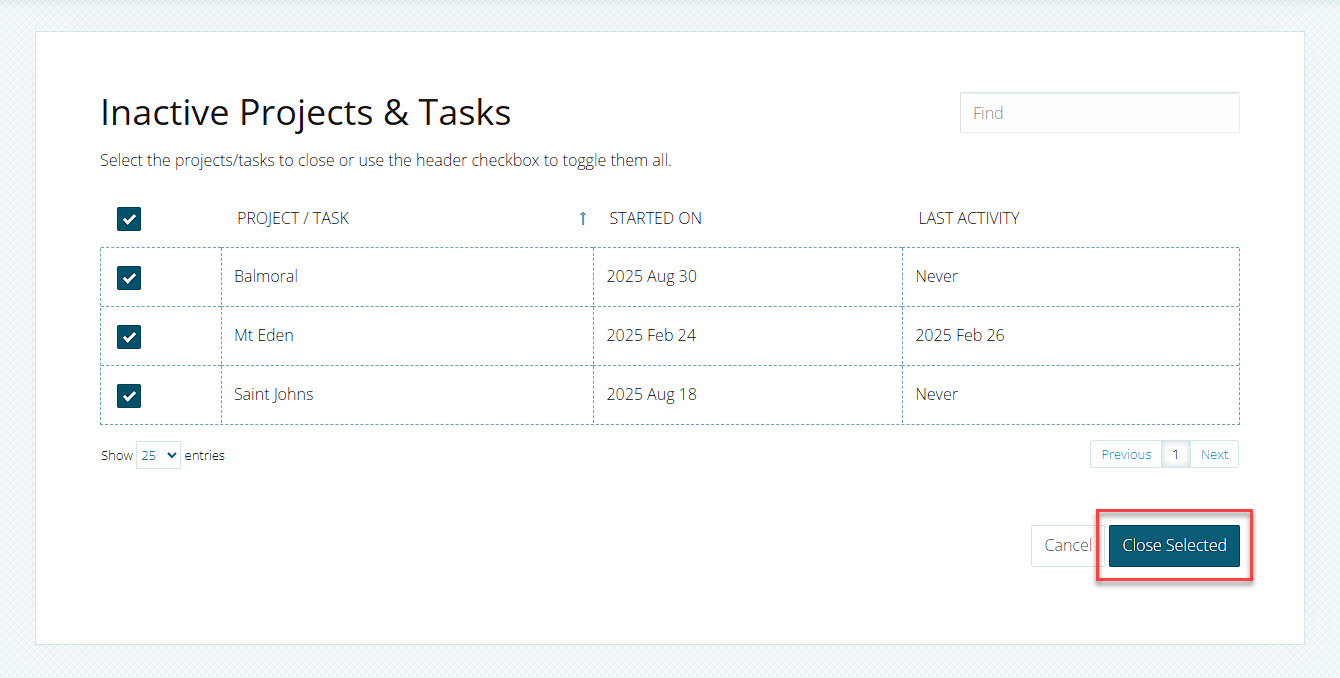
Once you're satisfied with the list of selected jobs, click Close Selected.