Saving time since 2012
Timesheets?
Already sorted.
Timesheets?
Already sorted.
Don't waste any more time chasing rounded off, last minute time entries.
If they don't dock into work, when they start work, they weren't at work.
* Prices listed are tax exclusivePDF - No email required
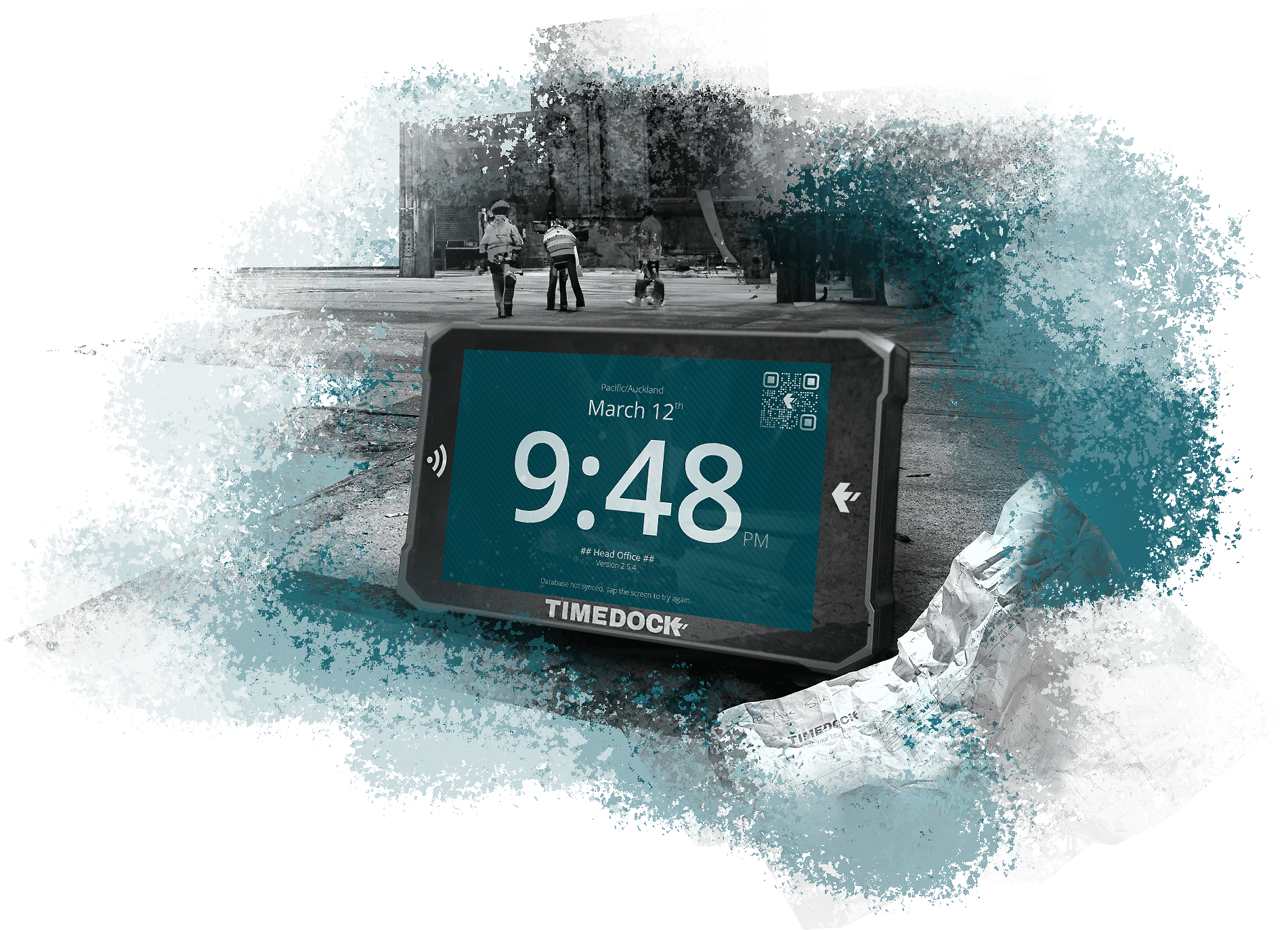





Inbox your hours in real-time with intuitively simple clock-in kiosks and effortlessly scalable mobile time tracking for job sites.
Purpose-built
We don’t resell generic time clocks. We design and manufacture our own —built to last and fully supported.
Easy to install
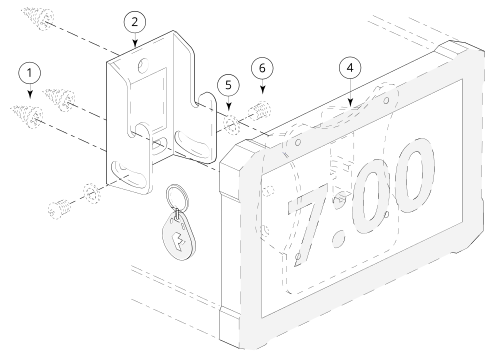
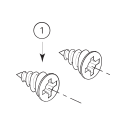
Hang the Dock on any solid wall, tighten two screws, and plug it into a standard power socket—done.
Scales efficiently
From 3 employees to 3,000 —Add more Docks or mobile check-in users as you grow. Without more admin.
Fully supported
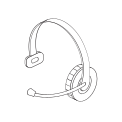
Dependable support from real people who care about your success and know our product extensively.
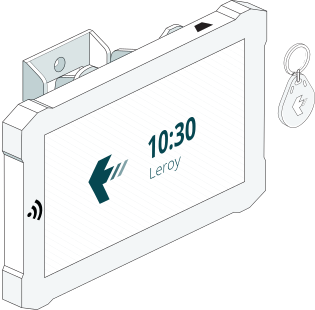
Dock in with a tap
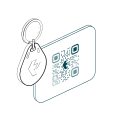
With self-service key fob kiosks + WiFi.
Bang it on the wall
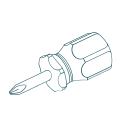
Unbox your machine/s, bang them on the wall and plug them in. Hand out your pre-assigned key fobs included and tag right in. All you need is Wi-Fi. We even include the screwdriver.
Throw away the manual
TimeDock machines are built for one thing: Docking in and out for work. If your staff can use a key fob, they can use TimeDock. Spoiler!... our kids could use it before they could walk.
Leave it running
TimeDock kiosks are built to run 24/7, linked with your dashboard and orchestrated across your organisation (including mobile deputies). They have one job: docking in (and out).
| $34 NZD +gst /mth | Platform licensing from $6 NZD +gst per person, per month, plus a mandatory $25 NZD +gst monthly base fee. Alternatively, the displayed starting bundle includes up to five active employees. Software and support included. |
| each | Purchase the hardware upfront, then choose a plan starting at $6 NZD +gst per person, per month, plus a mandatory $25 NZD +gst monthly base fee.* |
* Hardware requires online software plan.
Dock in when work starts. Dock out when it finishes.
Record work as it happens
Capture hours at the source
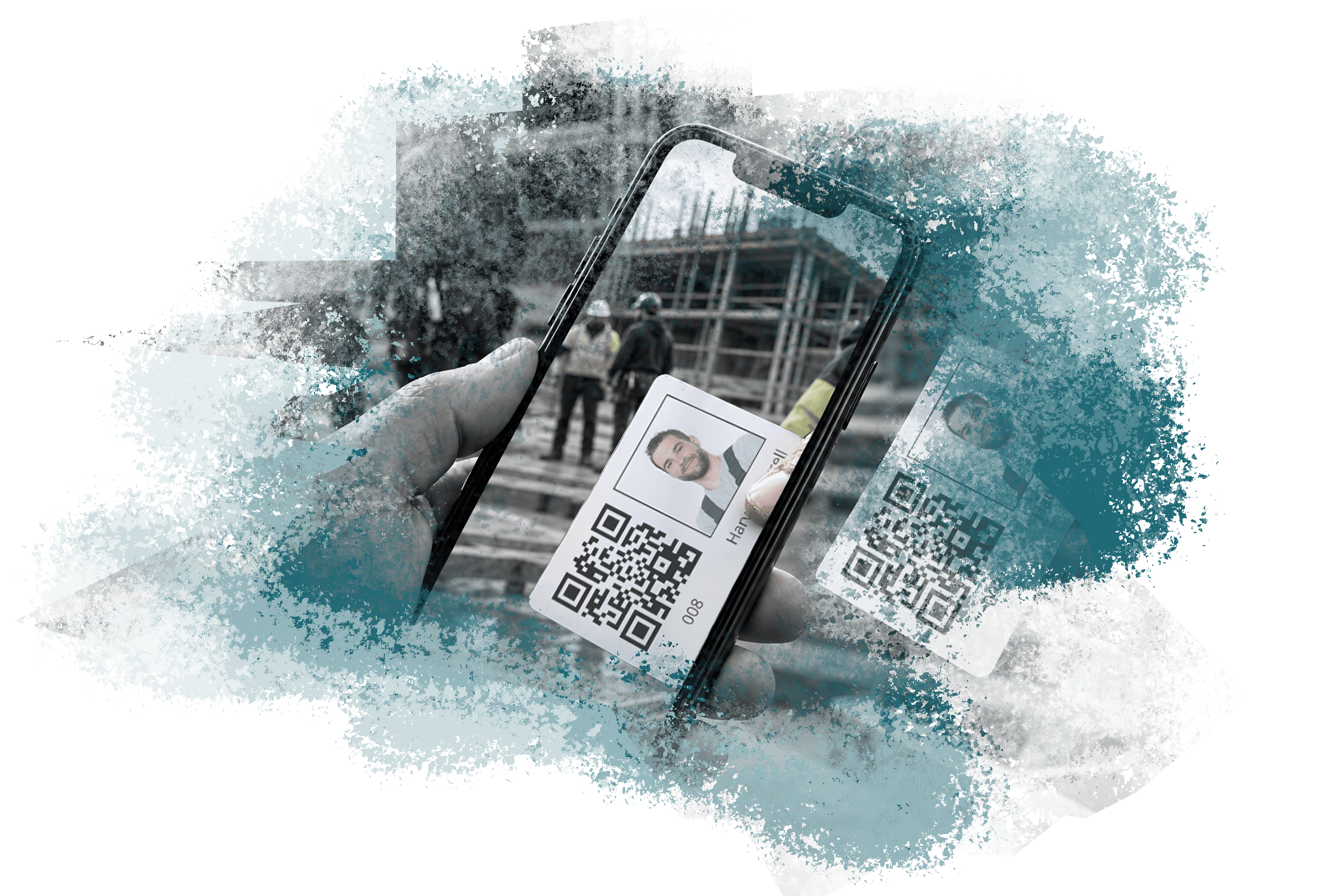
Record each start and finish with a tap at a TimeDock Machine or a scan in the TimeDock Mobile App, instead of rebuilding shifts from memory.
Spend less time chasing timesheets
See hours as they arrive, so you can follow up on missing entries before payday rather than chase a week's worth of paperwork.
Keep corrections under administrator control
Employees cannot backdate entries in the TimeDock Mobile App. An administrator can correct a missed entry in the TimeDock Dashboard, keeping adjustments under your control.
Why the daily docking habit matters
One customer's result
“It has saved us 4 hours per week per supervisor vs paper time cards.” — David, Project Manager, Central Florida Drywall & Plastering. Read the customer review.
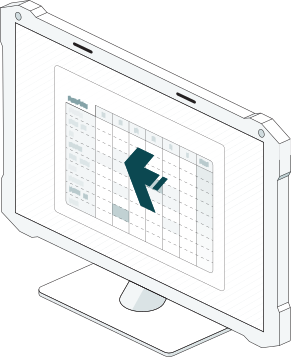
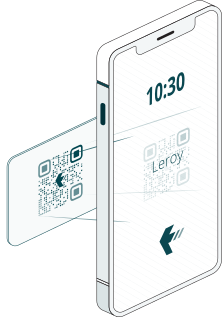
Architected for scale, not tech support
One phone. The whole crew.
No App Rollout to hundreds of Phones
Run mobile tracking with designated foremen/supervisors. No mass downloads, logins, or device failures across the whole crew.
Lightning Fast
Pick the job, then scan workers in rapid-fire. Minimal taps, no fiddling with menus —built for fast-moving site starts.
Point-of-Work proof of work
When supervisors do the scanning at the jobsite, the “approval” is captured in real time. Foremen aren’t stuck reviewing and correcting entries later.
| $25 NZD +gst /mth | Base Fee | Mobile TimeDock plans have a base monthly platform fee. Additional per-employee fee applies. |
| $6 NZD +gst /mth | Per Person | Cost per active employee, where one or more entries have been logged (incl. deleted entries). |
* Discount plans and annualised options available.
Watch timesheets update in real time
See live TimeDock timesheets ready for review in the TimeDock Dashboard.
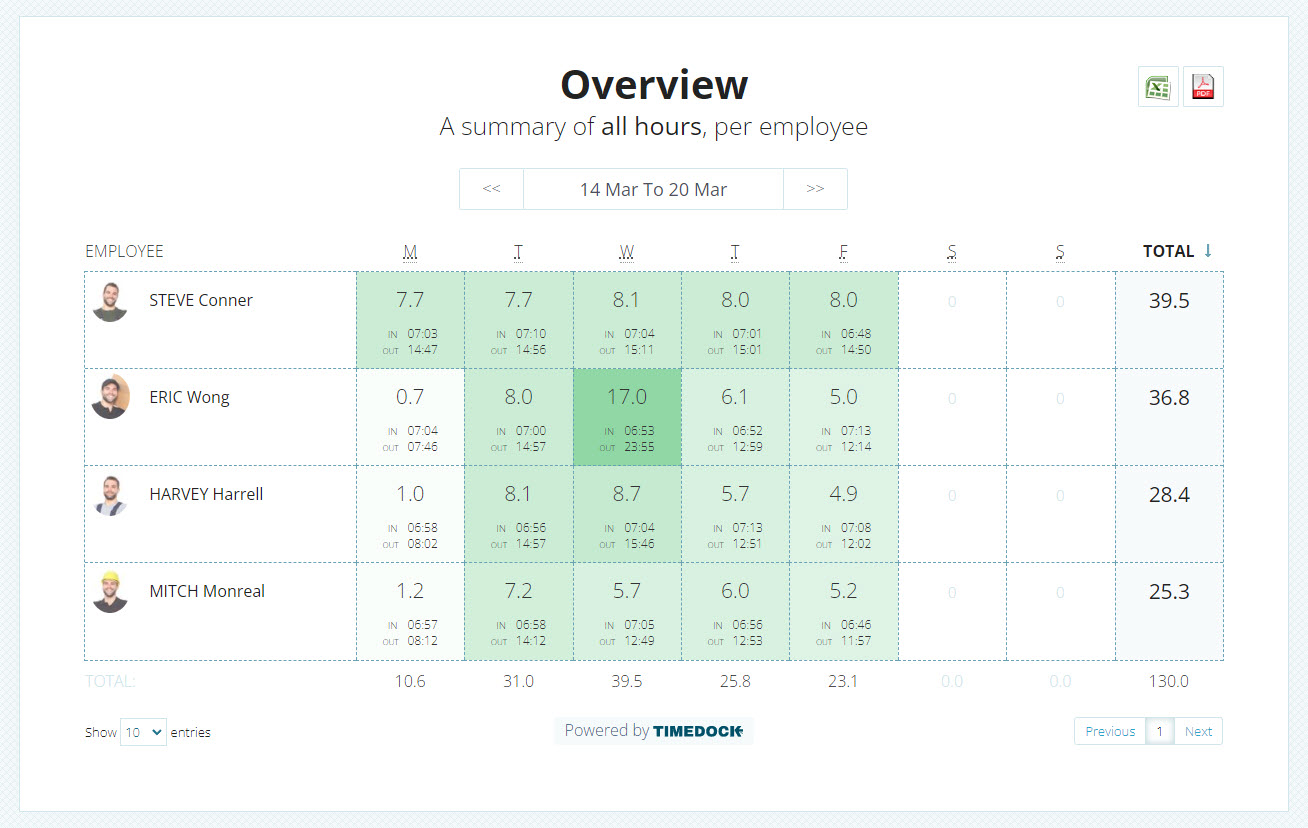
This live timesheet is embedded directly from a TimeDock demo account. Learn how to share your own live timesheets with a private link.
Fit your existing payroll workflow
Check your payroll options.
TimeDock captures the hours. Your payroll software handles the pay. Find the supported export format and setup instructions for your payroll product.












Before you get started
Practical answers for your team.
What does the five-person plan include?
The starting bundled subscription covers up to 5 active employees. A TimeDock Machine is purchased separately. Check the full plan details for larger teams and additional usage.
Do employees need smartphones?
No. Employees can dock in and out at a TimeDock Machine with an assigned key fob or card. The TimeDock Mobile App is also available for teams working away from the wall-mounted Machine.
Can I use more than one Machine?
Yes. Use multiple TimeDock Machines to capture time entries into the same TimeDock Dashboard. Tell us about your locations so we can help you work out the hardware you need.
What happens if WiFi drops out?
If the internet connection drops, new entries that cannot sync are sent later when connectivity returns.
Will it work with my payroll software?
TimeDock supports a range of payroll exports. Check your specific payroll product for the available format and instructions, or ask us to confirm the fit.
Can I see it working first?
Yes. Try the demo timesheet above or book a demo with our team. We can walk through docking in, reviewing hours, and your payroll export workflow.
Let's work out the fit
A practical setup for your team.
Tell us your team size, locations and payroll software. We'll help you work out a suitable plan and hardware costing.
Get a costing Book a demoThe timesheet above is a live timesheet embedded directly from one of our demo accounts.
Click here to learn how to share your own live timesheets as a private link.