Why Spreadsheets Stop Working for Time Tracking
Published by - Feb 20, 2026
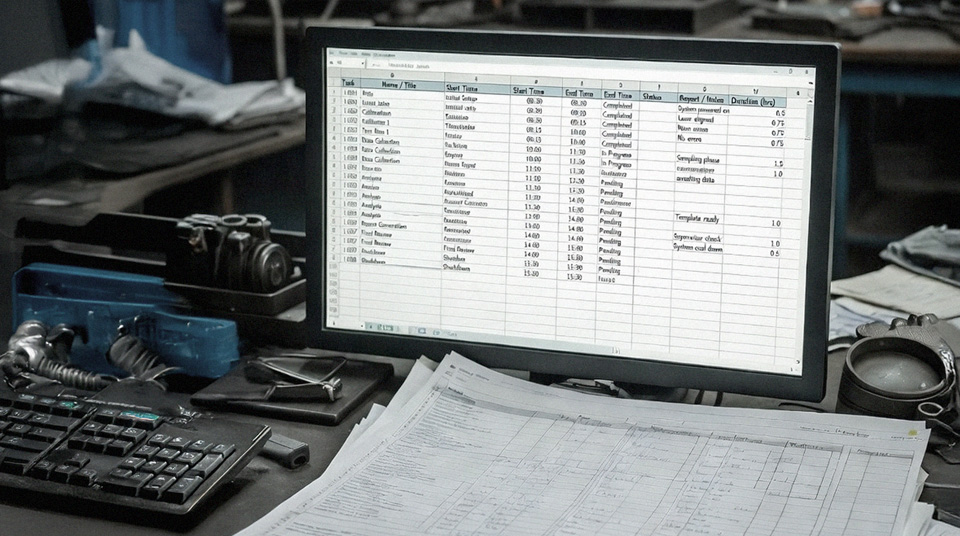
Spreadsheets are one of the most common ways businesses track employee hours.
They are flexible, familiar, and easy to set up. For small teams with predictable schedules, they can work well for a while.
But as teams grow or work becomes more complex, spreadsheets often become harder to manage than expected. What started as a simple solution can gradually turn into a weekly source of checking, correcting, and chasing.
Understanding where spreadsheets fall short helps clarify when it is time to move to a more structured approach.
Why spreadsheets feel like a safe choice
Spreadsheets are appealing because they:
-
Do not require new software
-
Are easy to customize
-
Can be shared quickly
-
Feel low-cost and flexible
They also give businesses a sense of control. You can build columns, add formulas, and adjust layouts to match your needs.
In the early stages, that flexibility is useful. The limitations tend to appear as complexity increases.
Where spreadsheets begin to struggle
Manual data entry never really disappears
Even though spreadsheets are digital, they still rely on people:
-
Entering start and finish times
-
Updating job allocations
-
Correcting mistakes
Manual input means manual errors. Missed entries, incorrect formulas, and accidental edits become more common as more people interact with the file.
Over time, the spreadsheet becomes something that needs managing, not just using.
Version control becomes confusing
When multiple managers or supervisors update hours, spreadsheets can quickly lead to:
-
Duplicate files
-
Outdated versions
-
Overwritten formulas
-
Uncertainty about which file is correct
Even shared online sheets do not fully remove this risk, especially when edits happen close to payroll deadlines.
Limited visibility during the week
Spreadsheets are often updated at the end of shifts or the end of the week. That means managers may not see:
-
Unexpected overtime
-
Missed dock ins or dock outs
-
Incorrect job allocations
By that stage, changes need to be made quickly, which increases the likelihood of further errors.
Job and site tracking becomes complicated
As soon as employees:
-
Move between multiple jobs in a day
-
Work across different sites
-
Need hours broken down for job costing
Spreadsheets become more complex.
Additional columns, formulas, and cross-checks are added to handle this detail. What started as a simple timesheet can evolve into a document that only one person fully understands.
That increases risk and makes handovers difficult.
Spreadsheets do not connect easily to other systems
One of the biggest limitations is that spreadsheets often work in isolation.
Time data may need to be:
-
Copied into payroll software
-
Reformatted for reporting
-
Checked manually before export
This creates extra steps and increases the workload before each pay run.
Even when exports are possible, they usually require review and adjustment to ensure accuracy.
When a spreadsheet stops being efficient
Spreadsheets typically stop being effective when:
-
Headcount increases
-
Job tracking becomes important
-
Payroll takes longer than it used to
-
Managers spend time validating hours instead of reviewing work
At that point, the spreadsheet is not really recording time, it is creating additional admin.
What changes with dedicated time tracking
Dedicated time tracking systems reduce many of these issues by:
-
Capturing time as it happens
-
Standardizing how hours are recorded
-
Reducing the need for manual formulas
-
Allowing managers to review time before it is used elsewhere
-
Making it easier to pass approved data into payroll systems
The goal is not to replace flexibility with complexity. It is to reduce the need for constant checking and corrections.
Tools like TimeDock are often used by businesses that have outgrown spreadsheets and need a more structured way to track employee hours, especially when job or site tracking becomes important.
Final thoughts
Spreadsheets are powerful tools, and they work well for many tasks. But when it comes to time tracking, they often become more fragile as complexity increases.
If payroll takes longer than it used to, or managers are spending time validating hours every week, it may not be a payroll issue at all. It may simply be that the spreadsheet has reached its limit.
Moving to a dedicated time tracking system is less about adding software and more about reducing ongoing friction.
What's next?
Spreadsheets are only one form of manual time tracking. Understanding how digital time tracking compares makes the next step clearer.
Next up: Paper Timesheets vs Digital Time Tracking.
This article was published by on behalf of TimeDock Limited, New Zealand.